Theme - Sone
Sone - Theme & Color Scheme for Sublime Text
By
predragnikolic
Created
Installations:
recent average 6 per week,
558 in total
Installations minus removals
Upgrades
Installations minus removals
Upgrades
- 558 installs
- 7 stars
Links
Versions
0.0.8
·
Sone - Theme & Color Scheme for Sublime Text
From the command palette:
- select
UI: Select Color Schemeand selectSone - select
UI: Select Themeand select:
Sone
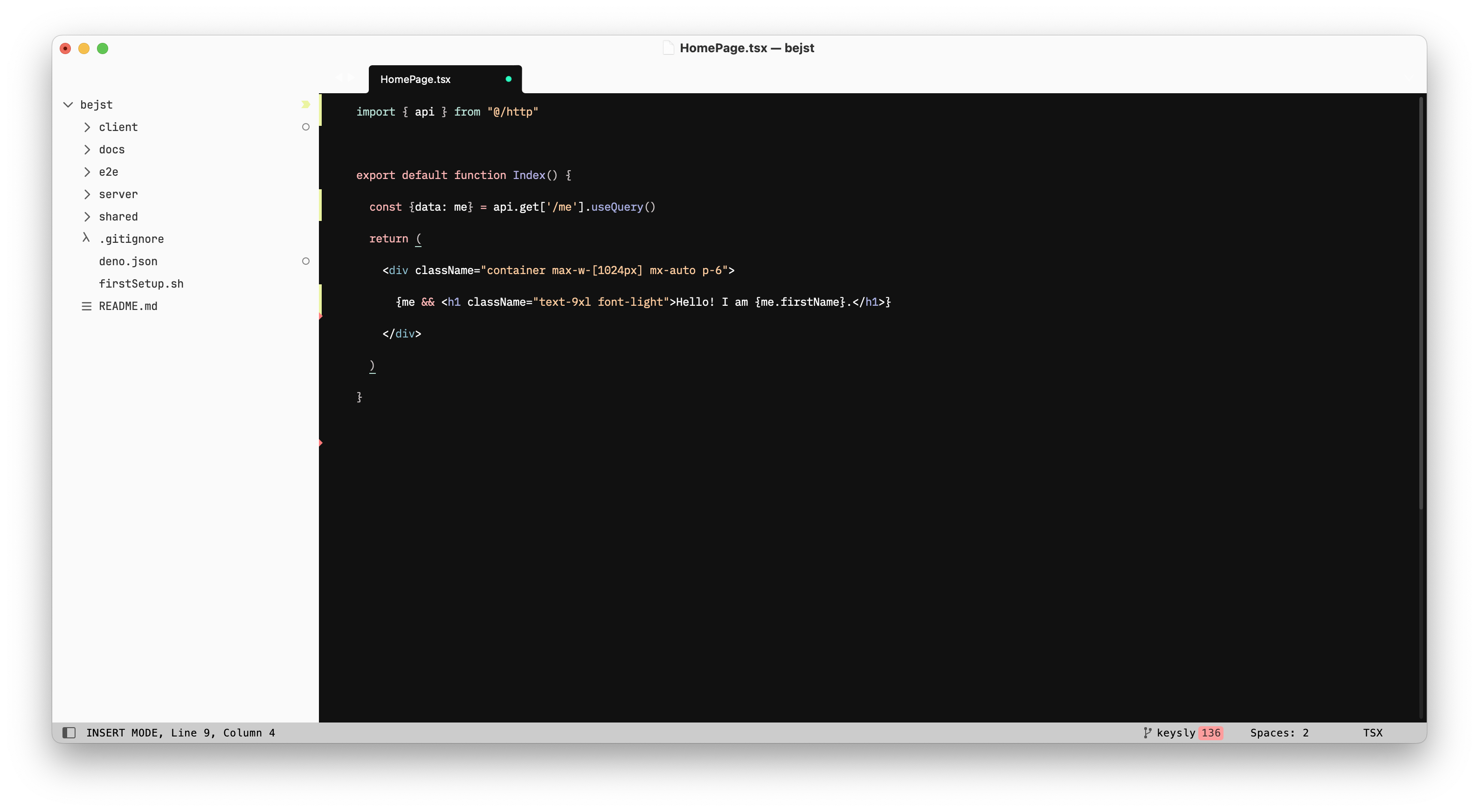
Sone-Adaptive
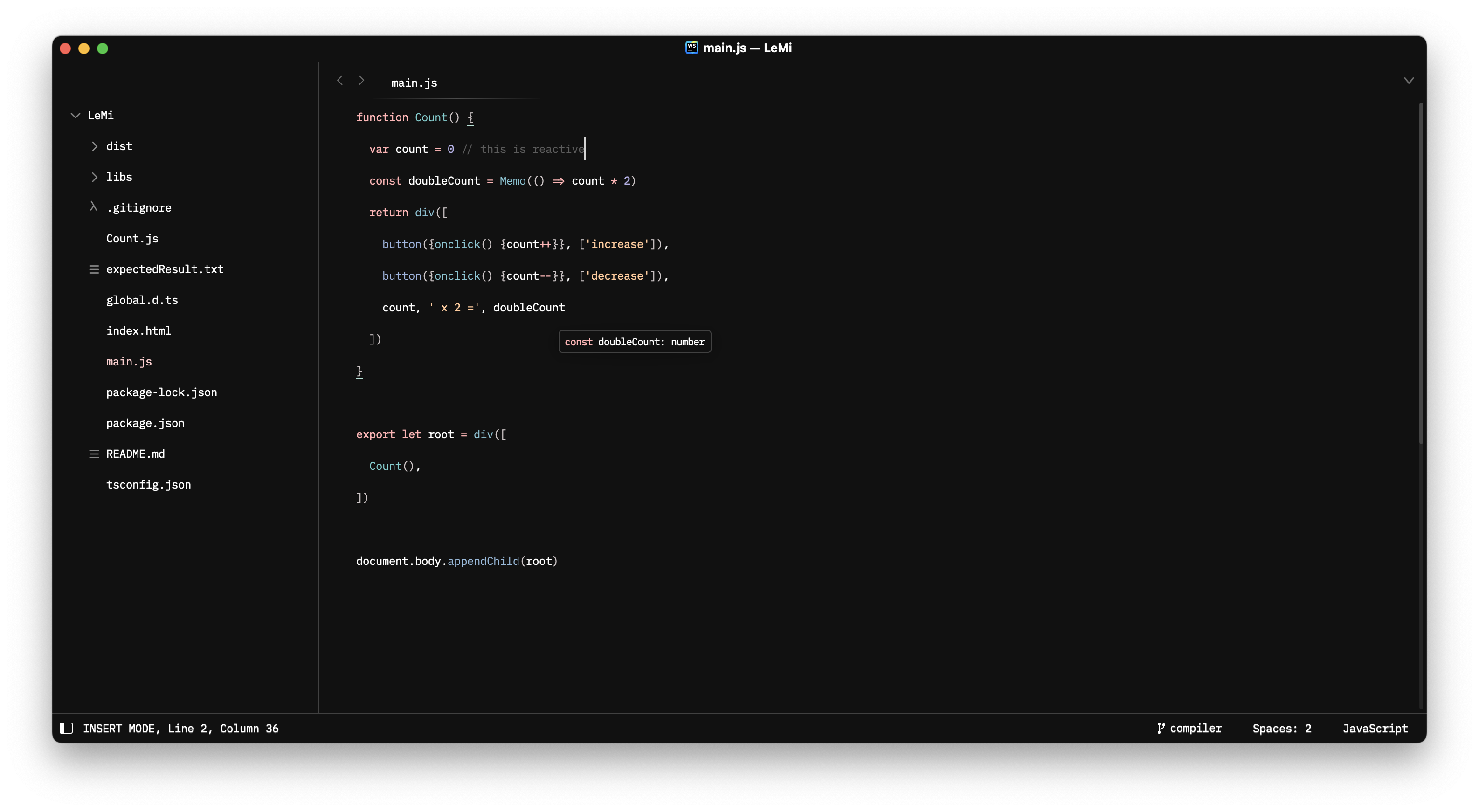
UI font
To use a different font, run UI: Customize Theme, and set:
{
    "variables": {
        "font_face": "JetBrains Mono"
    }
}
Attributions
- Git status icons in the sidebar and kind icons used in the autocompletion popup and the Goto Symbol… panels are derived from Octicons (licensed under the MIT license), GitLab SVGs (licensed under the MIT license) and Codicons (licensed under CC BY 4.0).
Tip
For a cleaner UI, set "enable_tab_scrolling": false in Preferences.sublime-settings to remove arrows in the tab bar.