Odoo
Sublime text syntax highlighting for QWeb templates, OWL templates and views.
By
Mr7F
Created
Installations minus removals
Upgrades
- 2 installs
- 2 stars
Links
Versions
1.0.3
·
Sublime - Odoo
Snippets
Add some snippets for common code
- new model
- overwrite a model
- views (form, list, kanban, search, etc)
- common methods (create, write, etc)
Check the snippet folder to see what's available.
Syntax highlighting
Syntax highlighting for QWeb templates, OWL templates, views, and access CSV files.
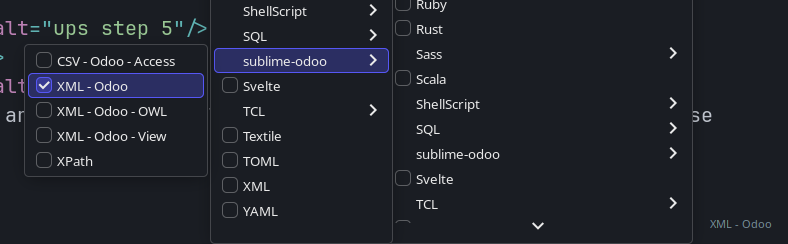
Choose "XML - Odoo", and it will automatically choose the right syntax
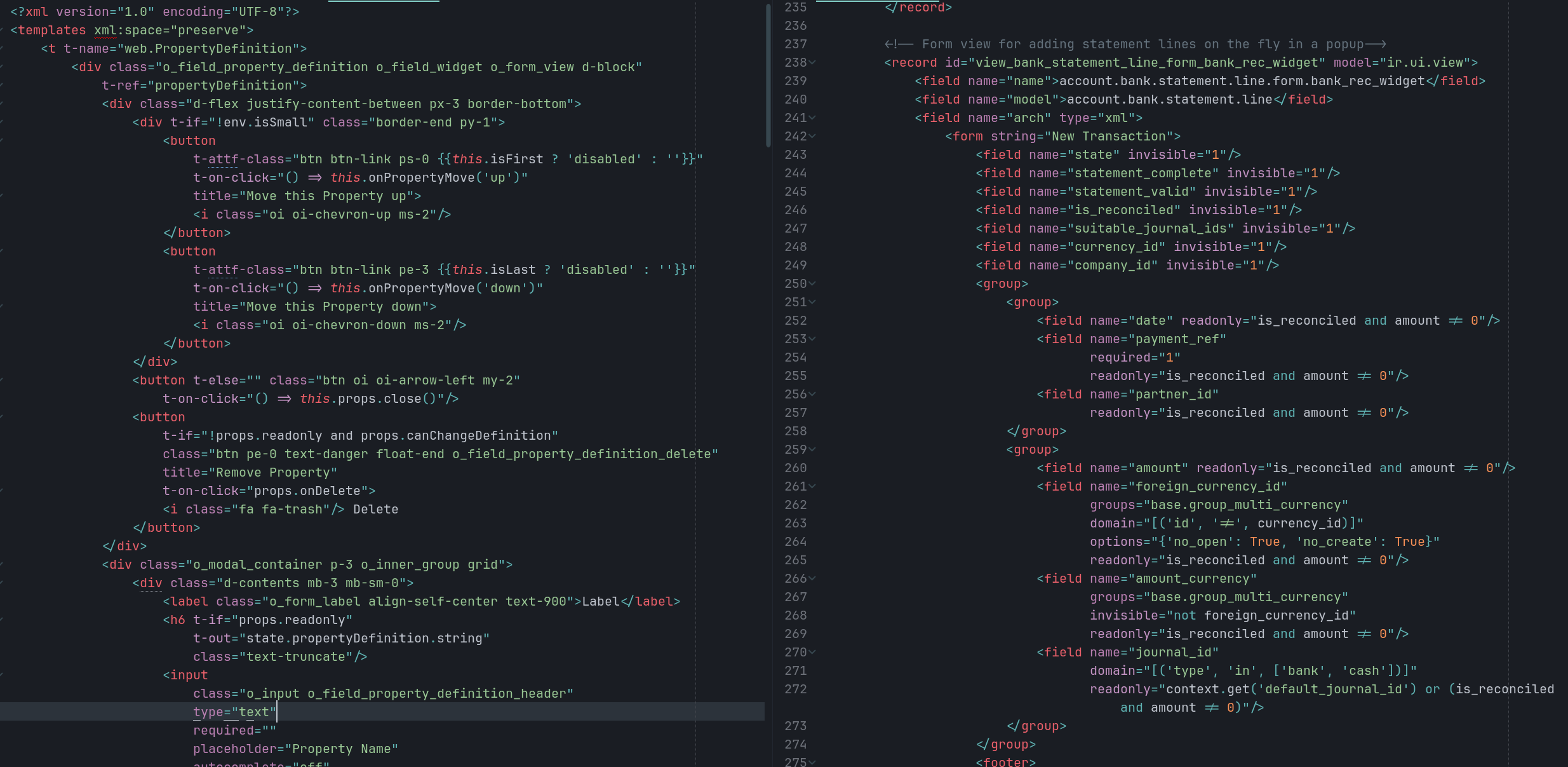
- OWL syntax (with JS in expression) if inside
<templates/> - View syntax (with python in expression) if inside
<odoo/>
It highlight JS template inside Python template (eg template of kanban views)
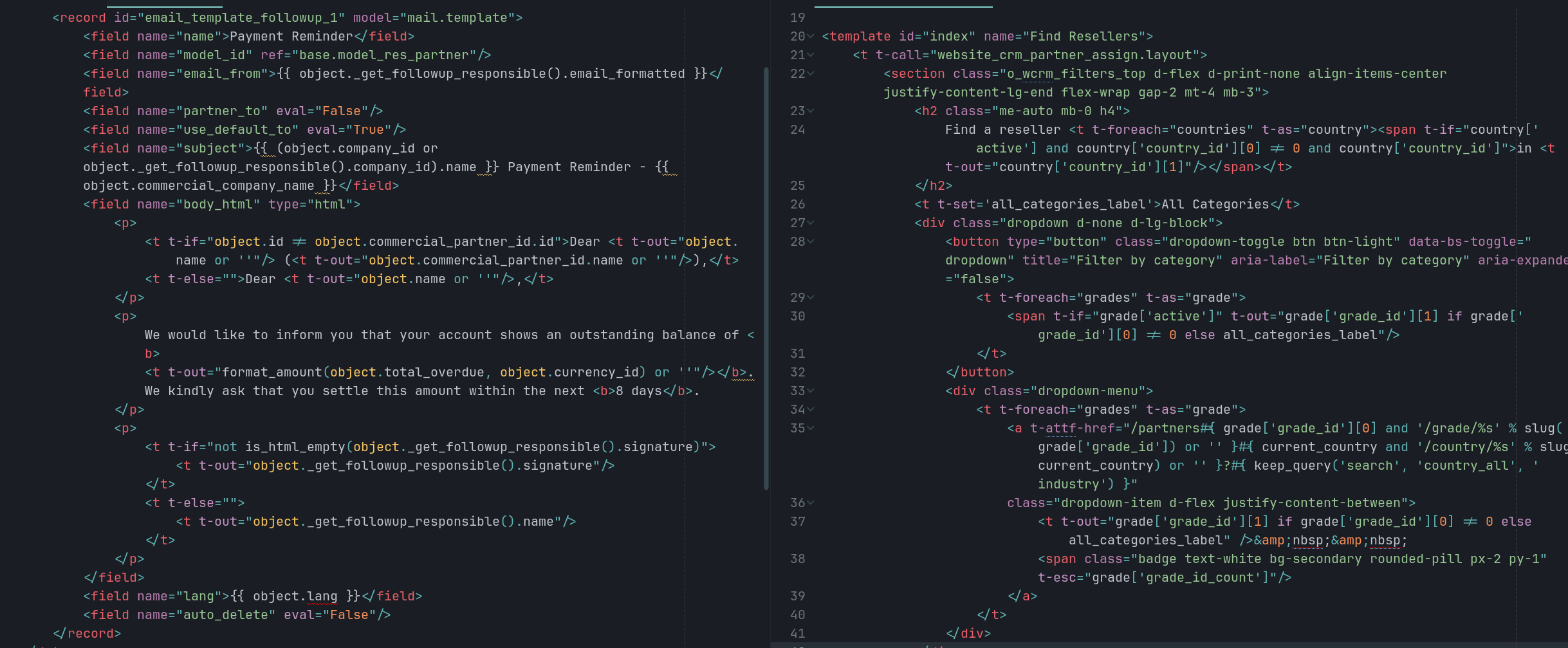
It also highlight mail templates and "backend" templates.
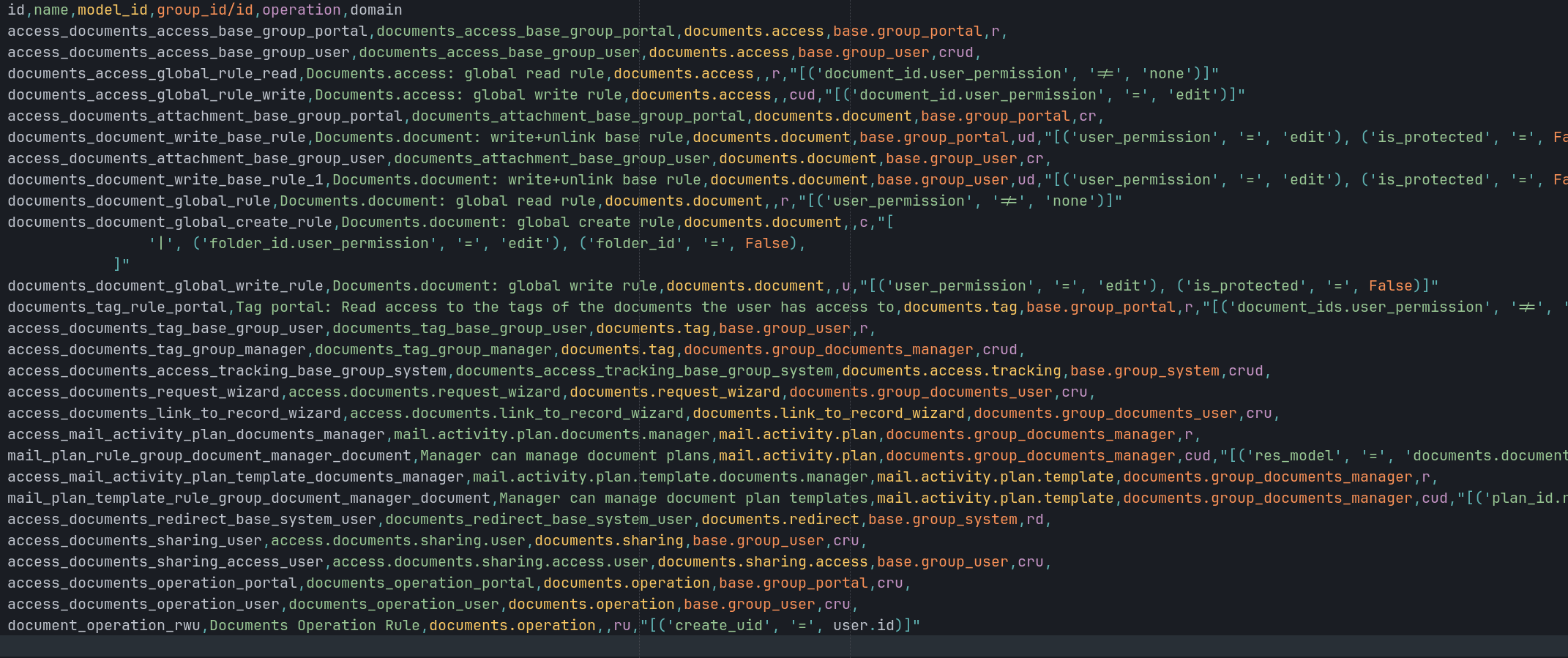
And ir.model.access.csv
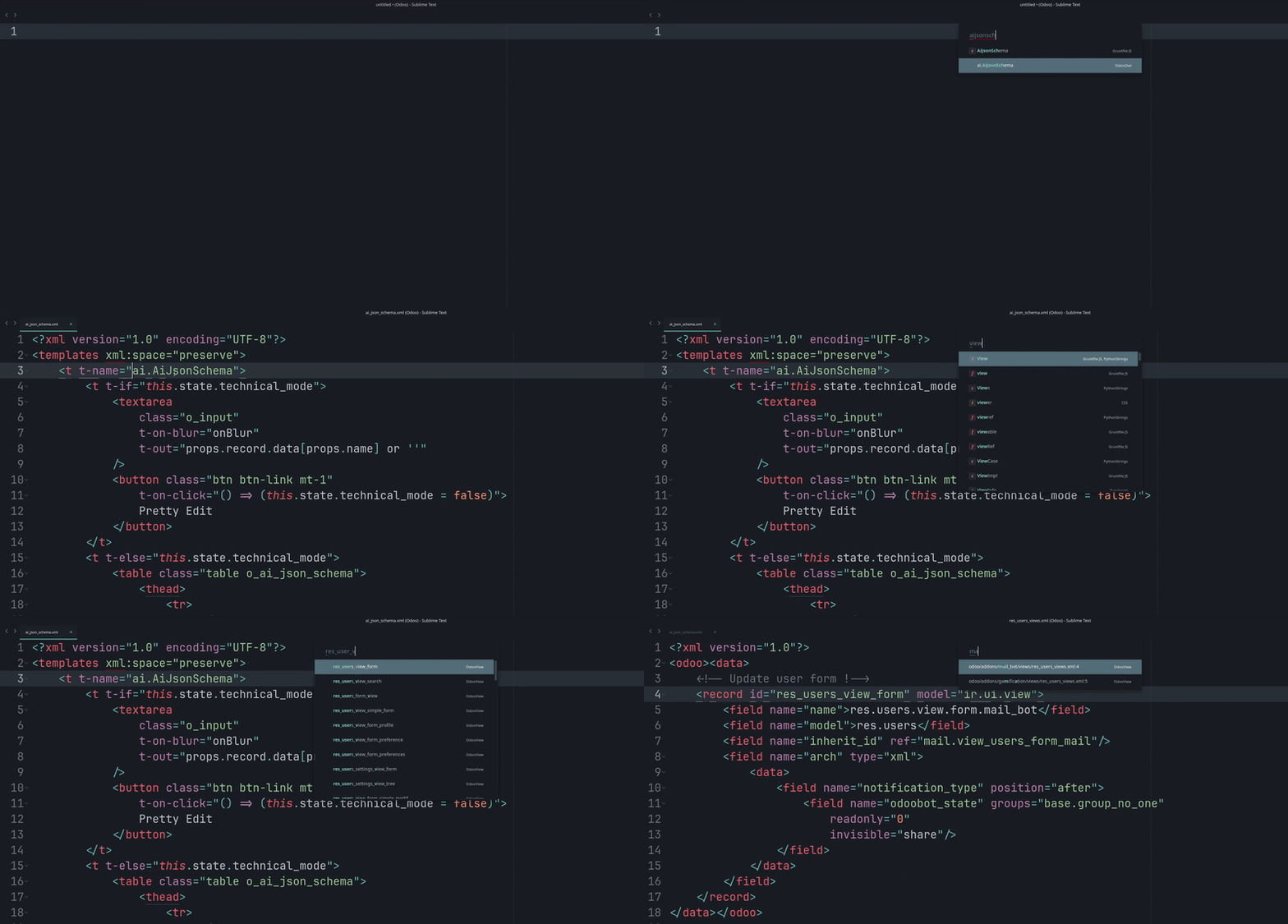
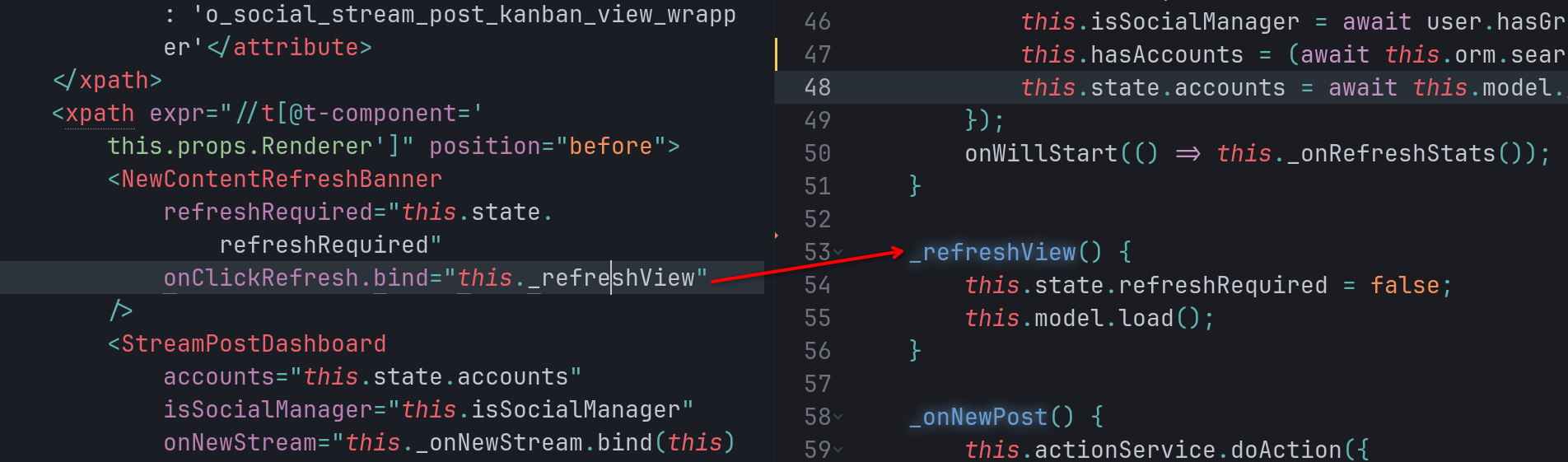
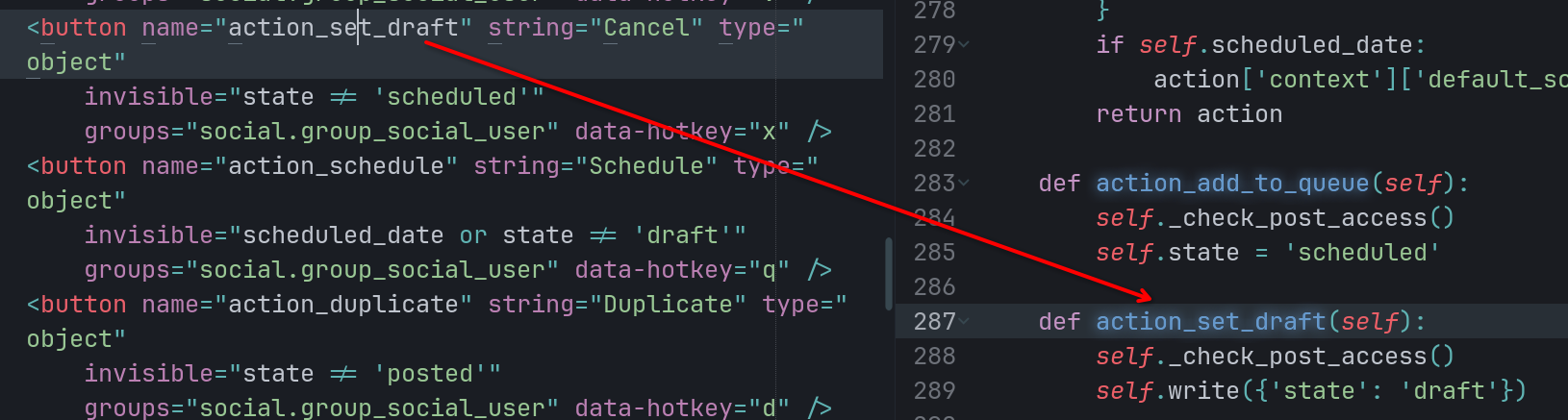
With this syntax highlighting comes the symbols, you can jump to view / component template with ctrl+r / ctrl+shift+r
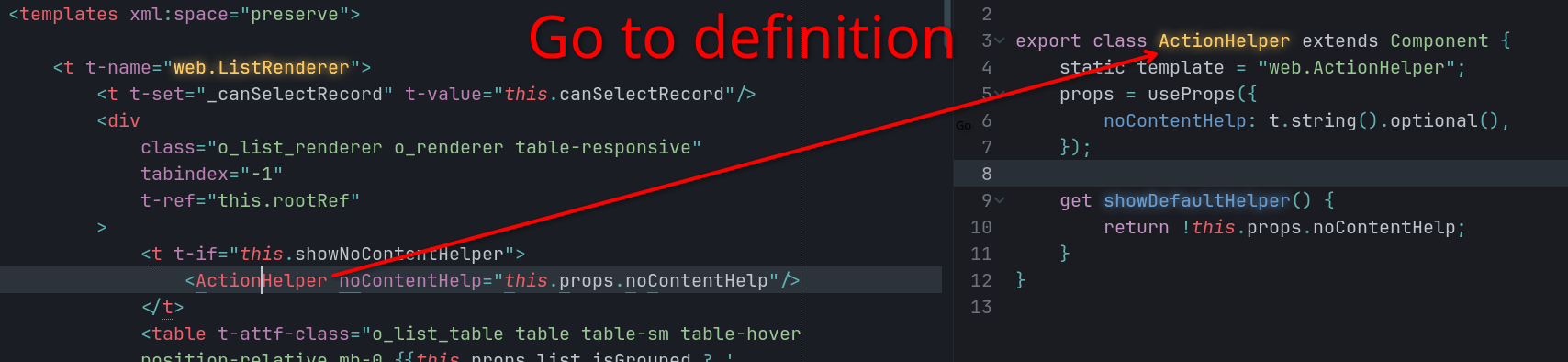
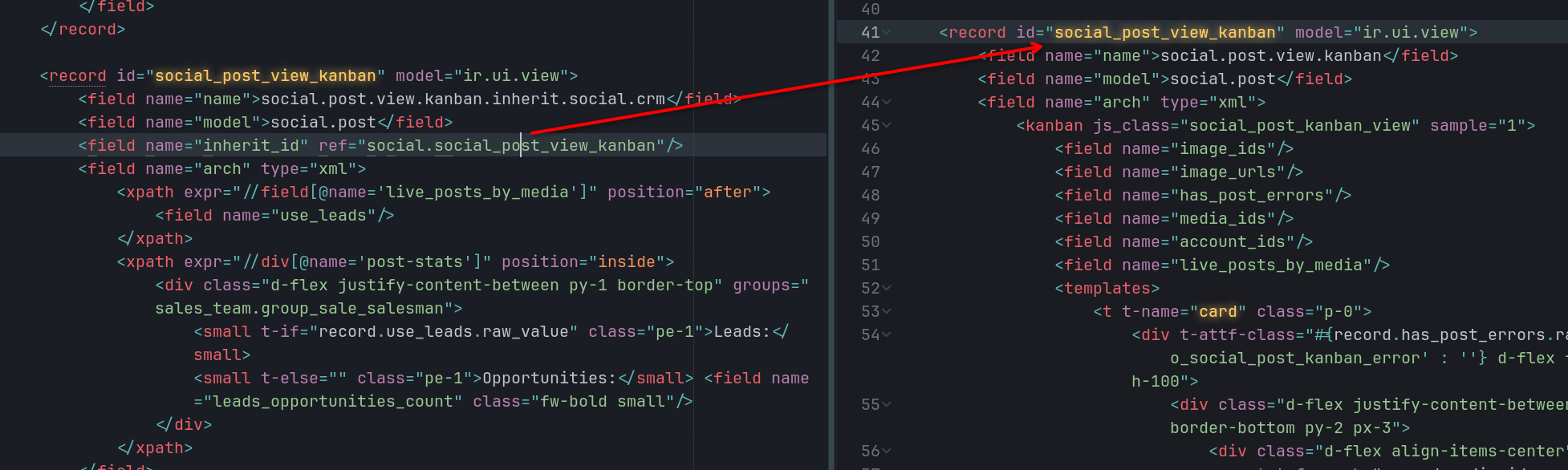
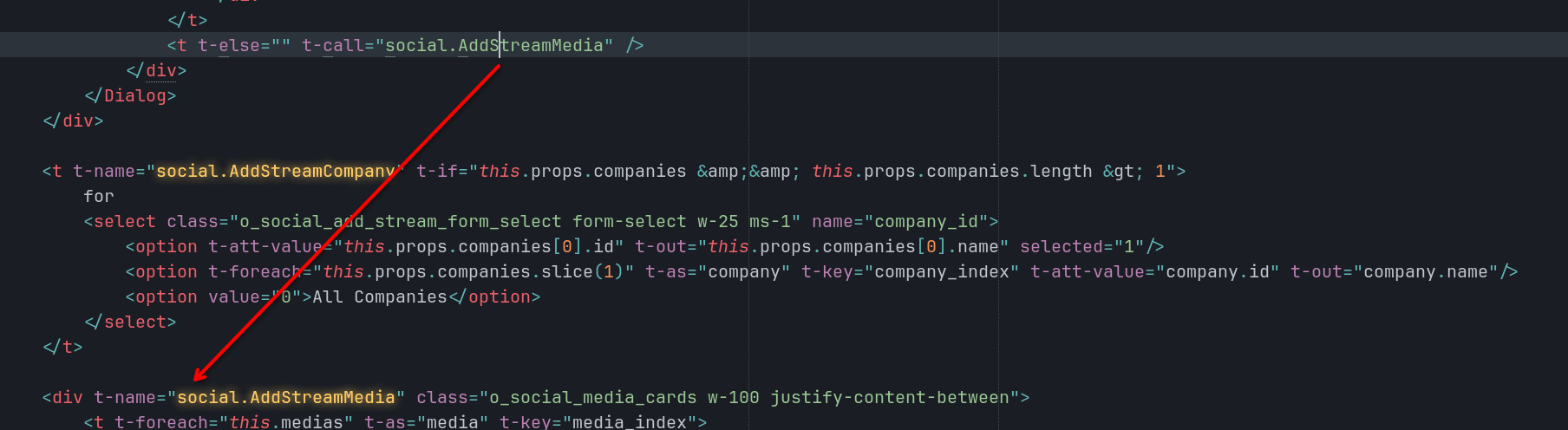
Go To Definition
You can configure key bind to make "go to definition" work in views / OWL components (it uses sublime text symbols indexes, and so many results can be returned, they are sorted with a heuristic, similar filenames are displayed first).
// Standard sublime text `goto_definition`
{ "keys": ["primary+d"], "command": "goto_definition" },
// When the LSP has the feature
{
  "keys": ["primary+d"],
  "command": "lsp_symbol_definition",
  "context": [
    { "key": "lsp.session_with_capability", "operand": "definitionProvider" },
    { "key": "auto_complete_visible", "operand": false }
  ]
},
// Custom Odoo "Go To Definition"
{
  "keys": ["primary+d"],
  "command": "goto_definition_odoo_xml",
  "context": [{ "key": "selector", "operator": "equal", "operand": "text.xml.odoo-view, text.xml.owl, text.xml.odoo" }]
},
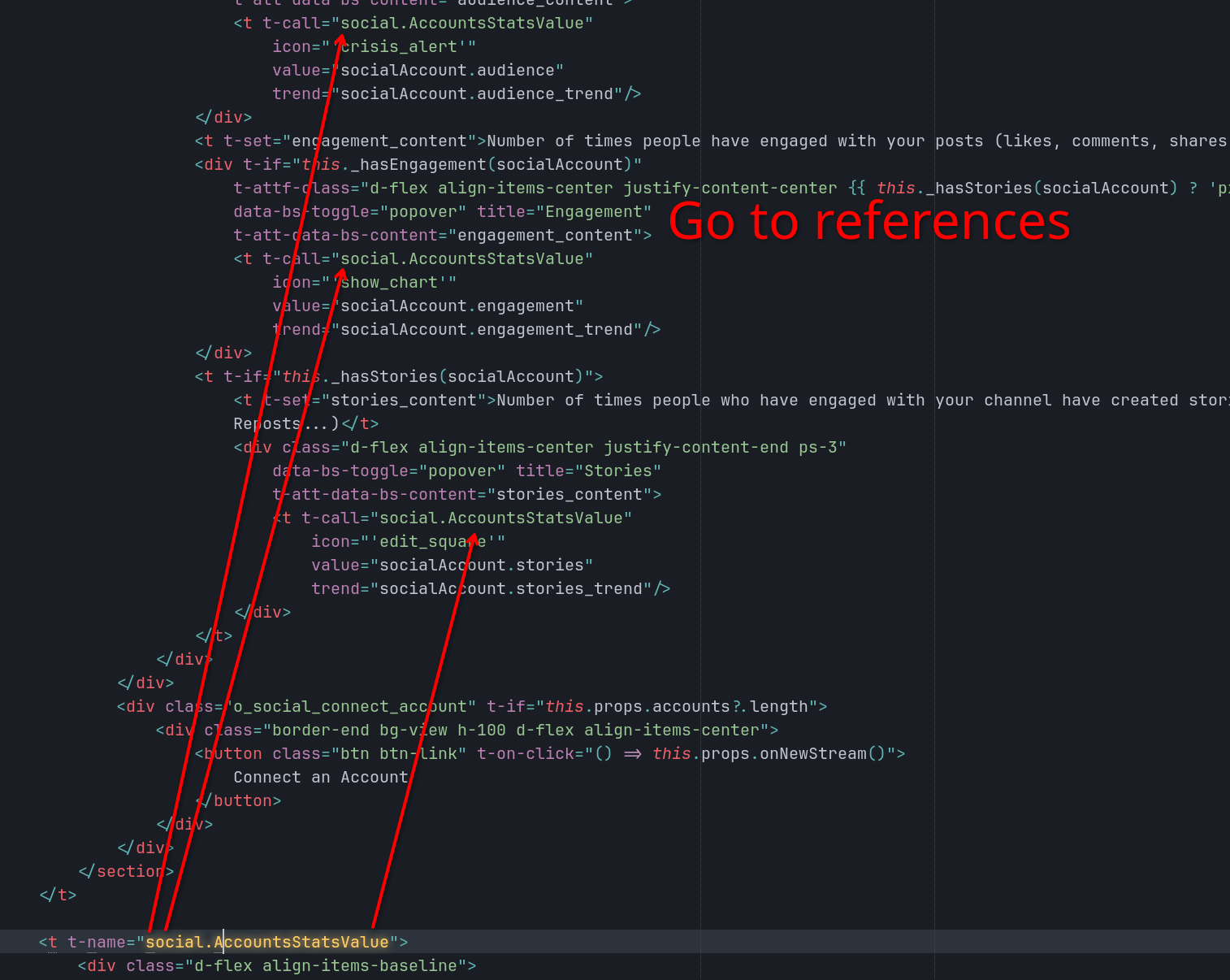
Same for goto_reference.
{ "keys": ["primary+shift+r"], "command": "goto_reference" },
{
  "keys": ["primary+shift+r"],
  "command": "goto_reference_odoo_xml",
  "context": [{ "key": "selector", "operator": "equal", "operand": "text.xml.odoo-view, text.xml.owl, text.xml.odoo" }]
},
Commands
Please install ripgrep to use most of commands (they are use instead of slow python code to get the list of modules, list of models, etc)
sudo apt install ripgrep
You can automatically create Python inherit, JS component, search a view and overwrite it, etc
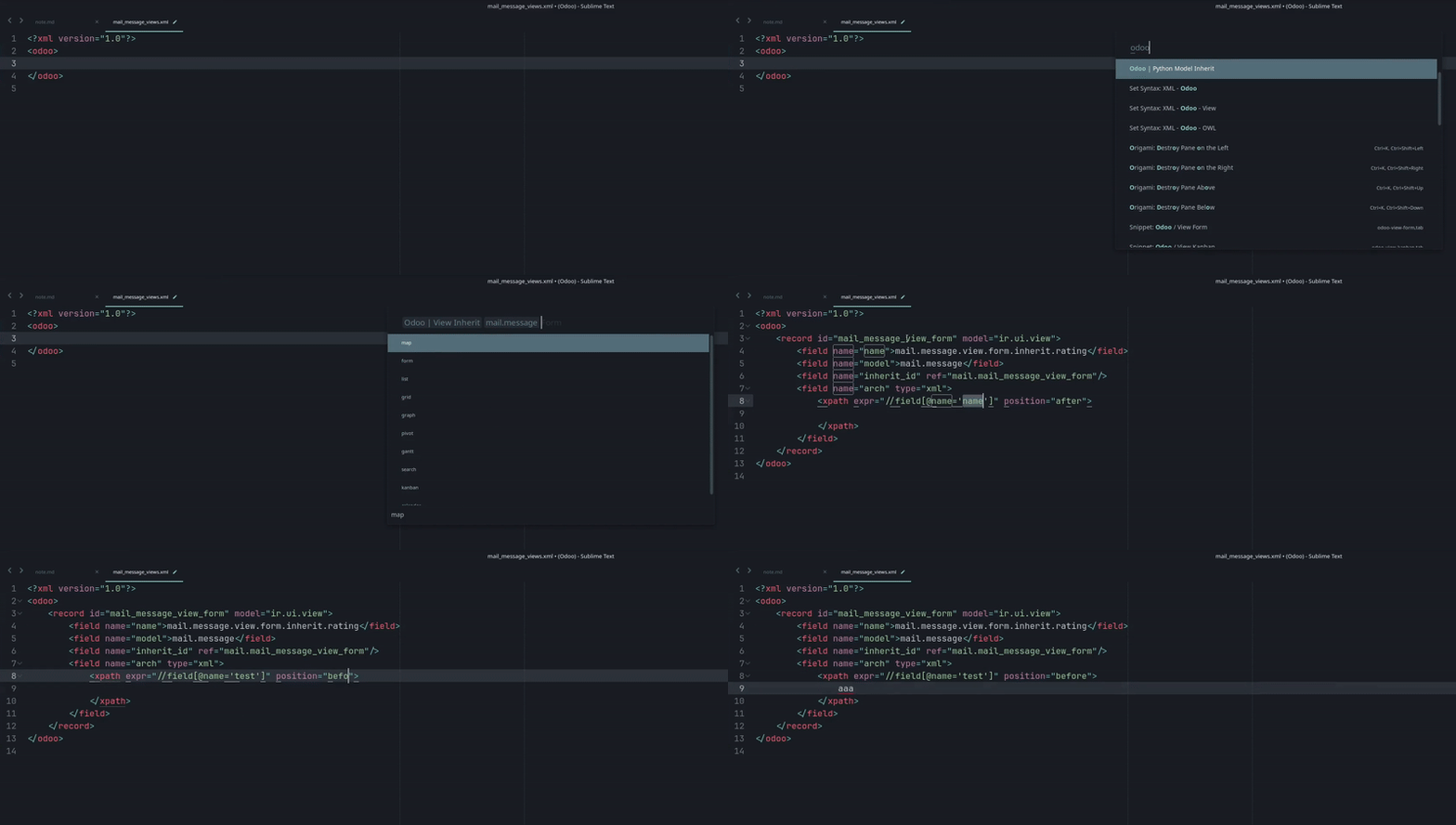
Type "Odoo" in the command palette to see what's available.
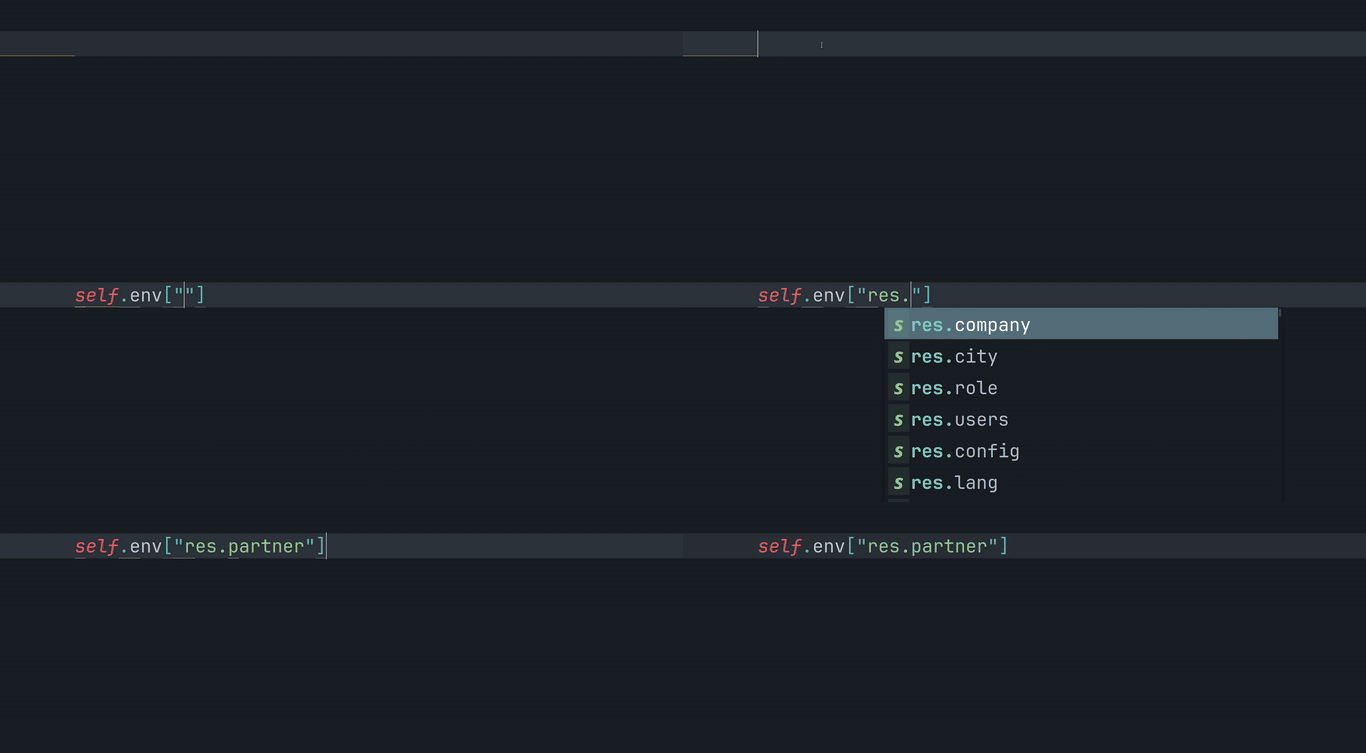
Auto-complete
TODO
- find a way to automatically change
__manifest__.pywithout reformatting - automatically insert the python import at the right place