Heta
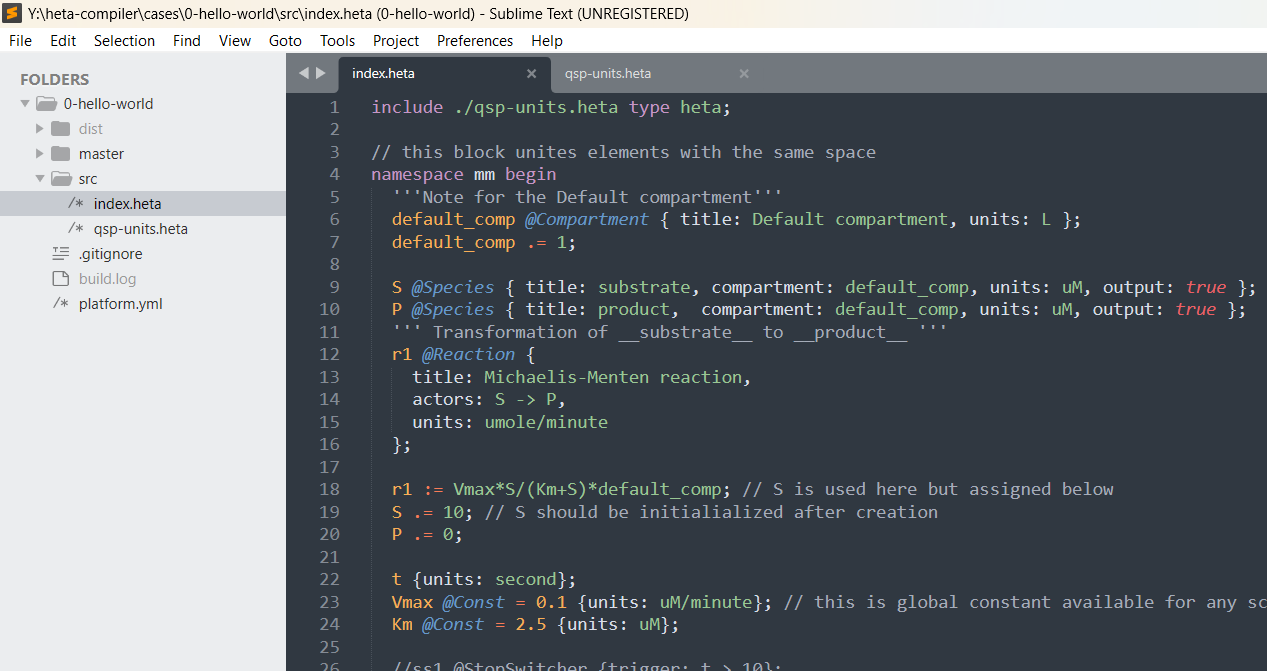
Plugin for Sublime text editor to highlight Heta language code.
By
hetalang
Created
Installations minus removals
Upgrades
- 41 installs
Links
Versions
0.2.0
·
More
-
0.1.12
·
2026-06-08 17:33


Heta Highlight
Plugin for Sublime text editor to highlight Heta language code.
This is the derivative from heta-highlight-vscode package.
This is part of Heta project.
Installation
First of all you need to install Package Control, then find and choose Heta from the Package Control: Install Package dropdown list in the Command Palette.
Release
Commit the changes, create and push a semantic-version tag (for example, v0.1.13):
git tag v0.1.13
git push --tags
Package Control discovers the new tag automatically, usually within an hour.
Case