GitHub's Sublime Text themes
By
mauroreisvieira
Created May 28, 2020, last updated August 11, 2025.
Installations:
recent average 63 per week,
58,941 in total
Installations minus removals
Upgrades
-
58,941
installs
-
206
stars
Links
Versions
3.0.6
(>ST4069)
·
2025-08-11 09:04
1.8.2
(ST3179 - 4069)
·
2021-04-28 14:00
GitHub's Sublime Text themes
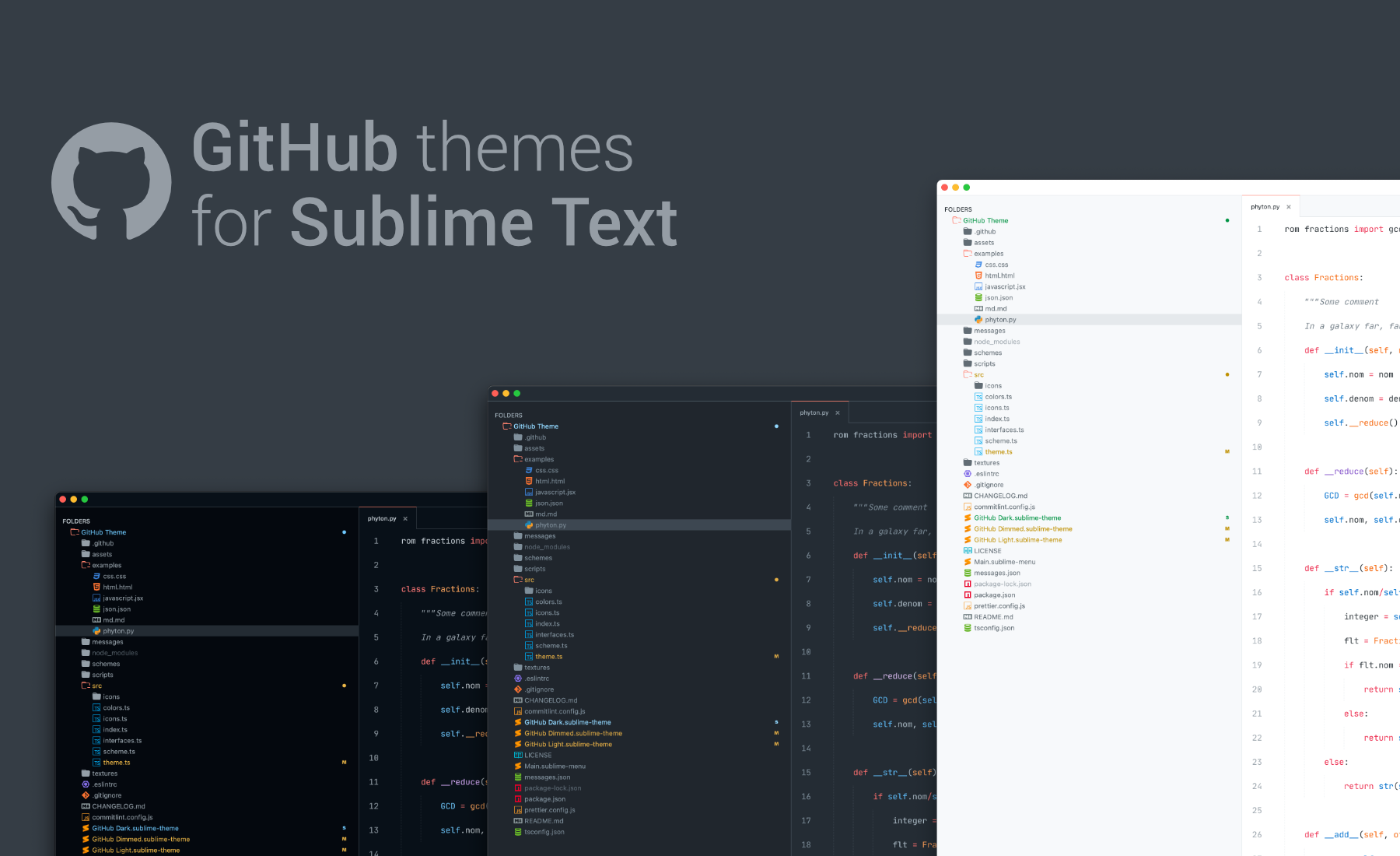
Project inspired on GitHub VS Code theme.



Install
Package Control:
- Open
Command Palette using menu item Tools → Command Palette or CMD/CTRL + SHIFT +P.
- Choose
Package Control: Install Package.
- Type
GitHub Theme and press ENTER.
Manually:
- Download the latest release and unzip.
- Go to
Sublime Text → Preferences → Browse Packages.
- Move folder inside and rename the folder to
GitHub Theme.
Activate the Theme
You can activate available themes from:
- Command Palette
Tools → Command Palette or CMD/CTRL + SHIFT + P
- Typing
UI: Select Theme next find for your favorite theme:
GitHub AdaptiveGitHub DarkGitHub DimmedGitHub LightGitHub Dark High Colorblind 🆕GitHub Dark High Contrast 🆕GitHub Light High Colorblind 🆕GitHub Light High Contrast 🆕
- Finally press
ENTER:
You can activate available schemes from:
- Command Palette
Tools → Command Palette or CMD/CTRL + SHIFT + P
- Typing
UI: Select Color Scheme choose you favorite scheme:
GitHub DarkGitHub DimmedGitHub LightGitHub Dark High Colorblind 🆕GitHub Dark High Contrast 🆕GitHub Light High Colorblind 🆕GitHub Light High Contrast 🆕
- Finally press
ENTER:
Additionally, there are also two older schemes.
GitHub Light LegacyGitHub Dark Legacy
Note: They might not get updated frequently and are kept for legacy reasons.
Recommended Settings
To enjoy a better experience using this theme in Sublime Text, please check the following settings.
{
    "font_face": "Fira Code",
    "highlight_line": true,
    "margin": 20,
    "line_padding_bottom": 7,
    "line_padding_top": 7,
    "caret_extra_bottom": 12,
    "caret_extra_top": 12,
    "hide_tab_scrolling_buttons": true
}